
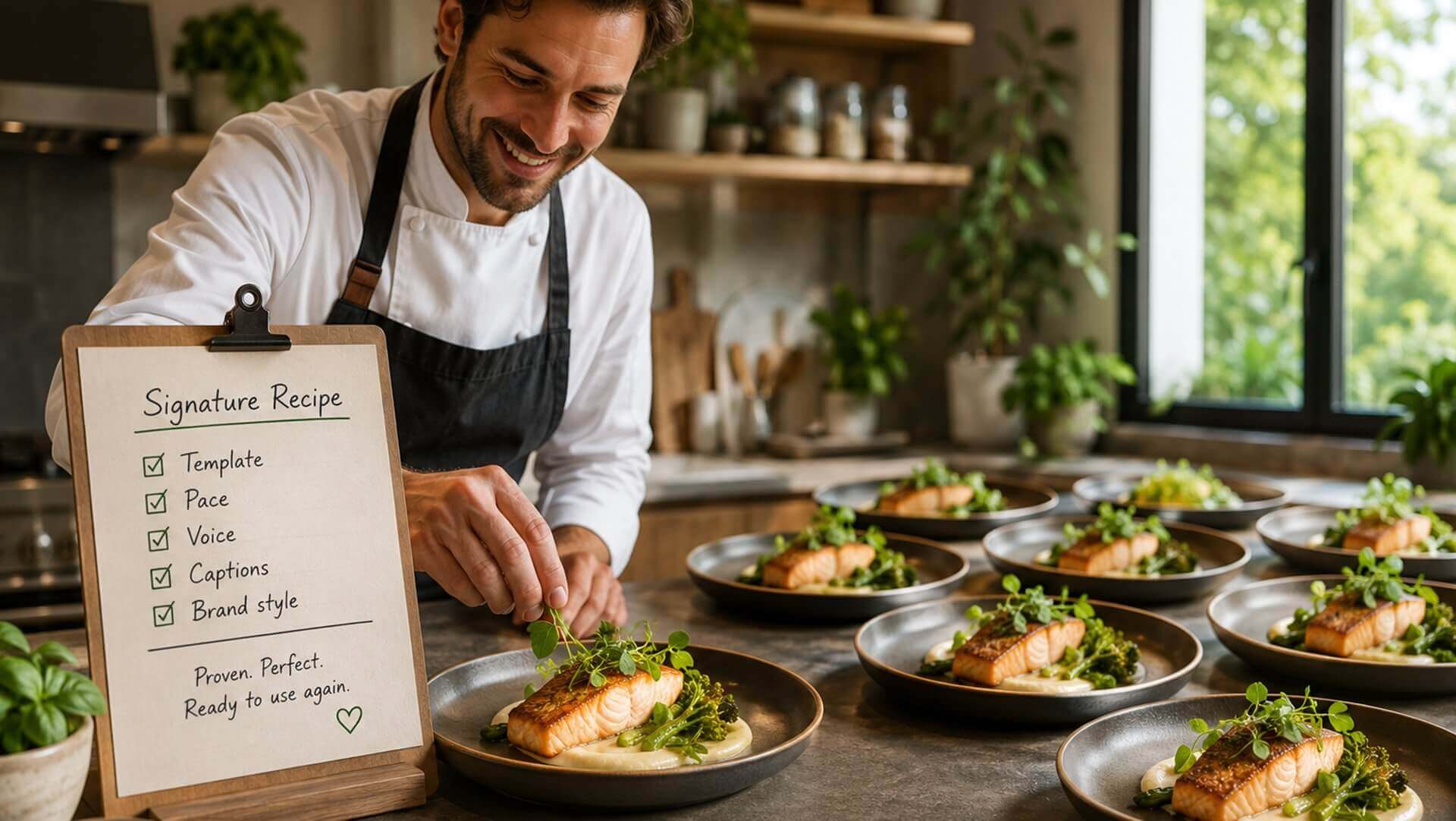
Once you’ve worked out how your agency’s videos should look, the template, the pace, the voice, the caption style, you really don’t want to rebuild all of that from scratch on the next listing. Re‑choosing the same settings every single time is slow, and it’s also how a brand quietly drifts: a slightly different pace here, a different voice there, and within a month your feed looks like three different agencies.
Nanopixo lets you copy a previous project’s settings into a new listing with a single click. The template, the pacing, the voice‑over choice, the caption style, all of it carries straight over, so the new video starts exactly where your last good one left off instead of from a blank configuration.
That gives you consistency without any effort, which is the only kind that survives a busy week. Your videos stay recognisably the same house style from one listing to the next, and that repetition is what makes a feed feel like a real brand rather than a series of one‑offs.
Across a team the benefit is bigger still. Nobody has to memorise or write down the “right” settings; a colleague just copies the last project and produces something that matches everyone else’s. New staff are effectively onboarded into your visual style by default, on their very first video.
So you make the styling decisions once and then reuse them indefinitely. Every new listing begins from a recipe you’ve already proven works, the quality stays even, the look stays unmistakably yours, and the setup that used to take minutes takes seconds.